Remove image backgrounds
with AI, in your browser.
Get a transparent PNG cutout. Nothing is uploaded.
Works best on people and portraits. Results on other subjects may vary.
Drop up to 5 images here
or
You can also paste an image from your clipboard.
Up to 5 images at once. Each is processed and downloaded separately.
JPG, PNG, WebP, AVIF, TIFF, HEIC
Processed on your device. Never uploaded.
Why use the background remover
AI cutouts
Works on people, products and pets.
Private
Your image stays on your device.
No upload wait
Processing runs on your own device.
Square crop
Crop the cutout in the app if you need to.
How to remove a background
Add your image
Choose or drop up to 5 images.
AI removes the background
A model running in your browser finds the subject.
Download
Save a transparent PNG.
Common uses for cutouts
Transparent images for stores, posts and design work.
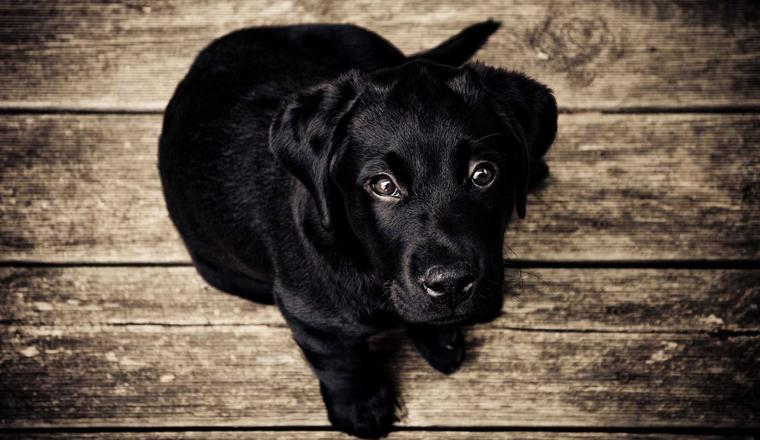
Personal Photos
Turn snapshots into collages and stickers.

Design Projects
Use subjects in slides and mockups.

Social Media
Cutouts for posts and profile images.
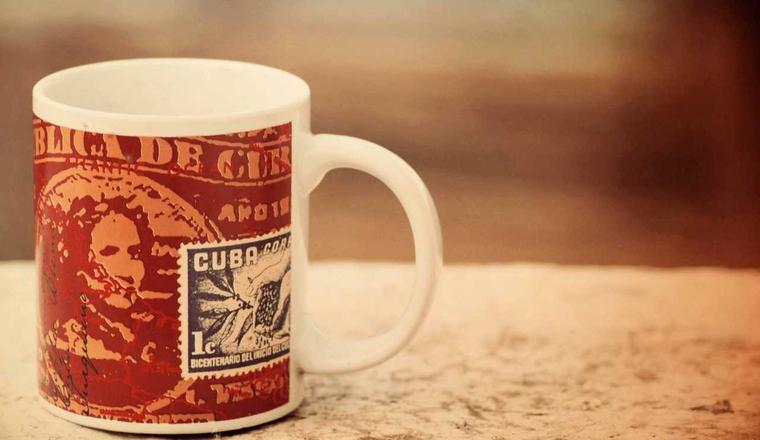
E-commerce
Clean product photos for your store.
Background remover questions
Is my image uploaded?
No. The AI model runs in your browser. Your image never leaves your device.
Why is the first cutout slower?
The AI model is a large one-time download that your browser keeps. After that, cutouts start faster.
How good are the results?
Edges are soft, so hair and fine detail blend in. Results are best on people and portraits and vary on other subjects.
How many images can I process at once?
Up to 5. Each one is processed separately.
Can I edit the cutout?
You can crop it to a square. There is no brush for touching up edges yet.
Which formats can I use?
Upload JPG, PNG, WebP, AVIF, TIFF or HEIC. The result downloads as a transparent PNG.
Is it free?
Yes. There is no limit on how often you use it.